AI Product Photography Fits Your Lifestyle Slots, Not the Hero Shot Amazon Audits First
A stainless steel tumbler and a plain kraft mailer can sit in the same catalog, and only one of them survives an AI batch without a rework. What separates the two is not the category, the price point, or which model you point at it.
Quick take: A $500 studio session and a $9 generated image can both wreck a quarter, but only one wrecks it quietly. Accuracy checks across 850 products put top models in the 25 to 29 percent pass range, so the main image is the worst place to gamble. Route lifestyle slots to AI, keep the hero real, audit what a buyer can measure.
The Two Ways This Decision Goes Wrong
Picture a drinkware brand three weeks out from a seasonal push. Forty SKUs, a studio quote past $500 per session, and a founder who approves a generated batch instead. The lifestyle images come back sharp enough to post. The hero shots come back with a reflection that matches no room on earth and a lid thread that has been quietly redrawn.
Rework ate the launch window, and two high-velocity listings went dark while the team worked out what had changed. The batch itself had run cheaper than a single studio hour. (The invoice was never the expensive part. The calendar was.)
Reverse the roles and the damage changes shape. A brand keeps booking studio days for every variant because that is how the catalog was always built. Then the calendar becomes the bottleneck: a colorway added in March ships in June, and a session invoice stops making sense the moment a variant moves a few dozen units a month.
Neither mistake is about image quality. Both come from matching the tool to the job the image has to do.
Traits That Predict a Clean Render
Before budget or position strategy, look at the object itself. Models handle some materials well and fumble others in ways that stay invisible at thumbnail size.
- Transparent or translucent material. Glass, liquid, clear plastic. Light should travel through these, and generators send it somewhere a buyer's eye catches immediately.
- Mirror-finish metal. Polished steel and chrome invite reflections of scenes that never existed.
- Fine repeating texture. Knit ribbing, mesh, woven webbing. Thread counts drift between variants, so a set of six images can show six slightly different products. (Returns find this one. Reviews usually do not.)
- Soft goods that deform. Fabric drape, straps, anything that changes shape when a hand holds it.
- Printed faces. Labels, ingredient panels, logos, small regulatory type. Generators approximate lettering, and approximated lettering on a product face is a misrepresentation.
Invert the list and the safe profile turns out to be narrow: opaque, matte, rigid, one continuous silhouette, nothing printed on the surface. A kraft mailer. A matte ceramic mug. A solid wood board. Dull objects render cleanly because there is no physics to get wrong and no claim to invent.
Which Slots Should Go to AI First?
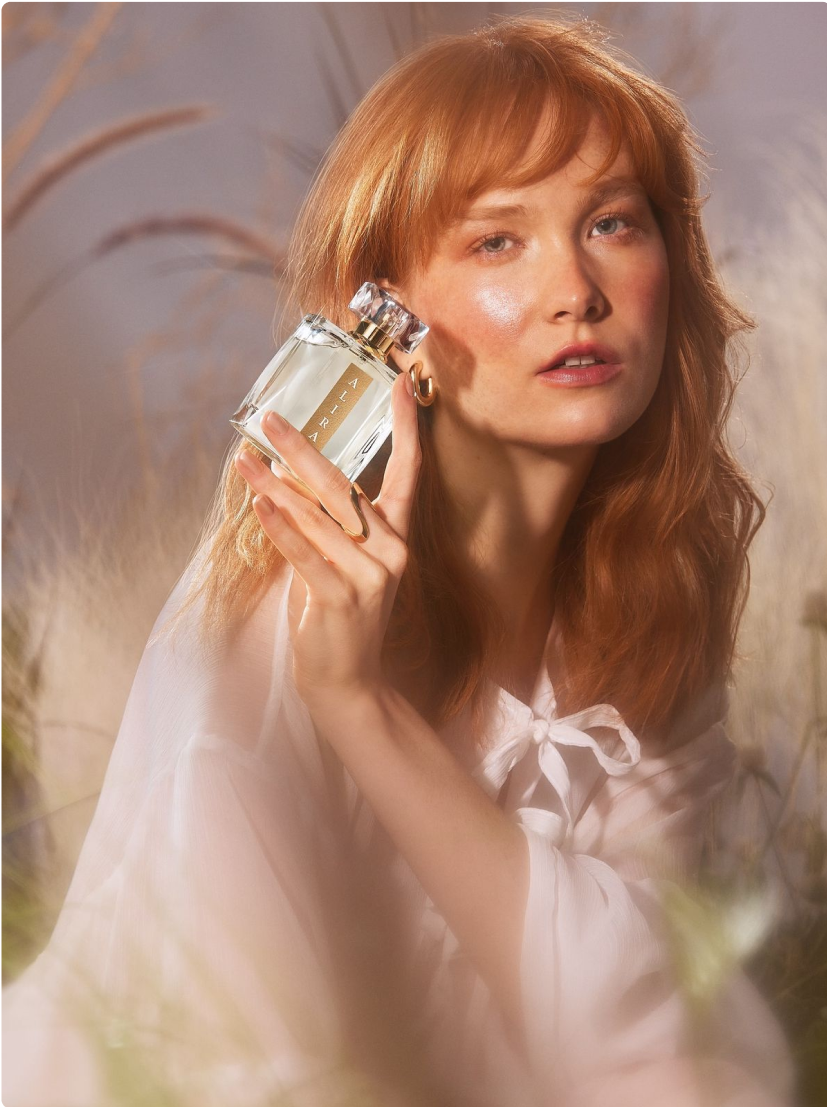
Lifestyle positions go first: images two through seven, where the product sits in a kitchen, a hand, or a styled room. Keep the main image and any scale-reference shot in the studio. Answer per position rather than per product, and most catalogs split cleanly.
Position decides this more often than category does. Here is how the four common ones fall.
The middle of the set
Generation does its best work here, because the job is background replacement rather than product creation. You keep the original photograph and change the world around it. Savings land in the same place: $5 to $15 per variant buys variety a studio cannot match without renting five rooms and a stylist.
The main image
Real pixels, every time. Amazon's standard is accurate representation, and a July 2026 benchmark that pushed 850 products through the leading image models passed only 25 to 29 percent of its accuracy checks. Use data to end debates, not to decorate sections. On the main image there is nothing left to argue about.
Scale and reference shots
In-hand photos, next to a ruler, side-by-side variants. Buyers use these to answer one question: how big is this thing. Generated proportions drift, and a drifted proportion arrives as a return rather than a complaint. (Generated hands are their own hazard, which is a separate problem.)
Colorway expansion
The cheapest win on the list, with one condition attached. Photograph the product once in a single color, then swap backgrounds across the range. Ask a model to invent a new finish from text and the sheen changes with it, so five colors end up looking like five different suppliers.
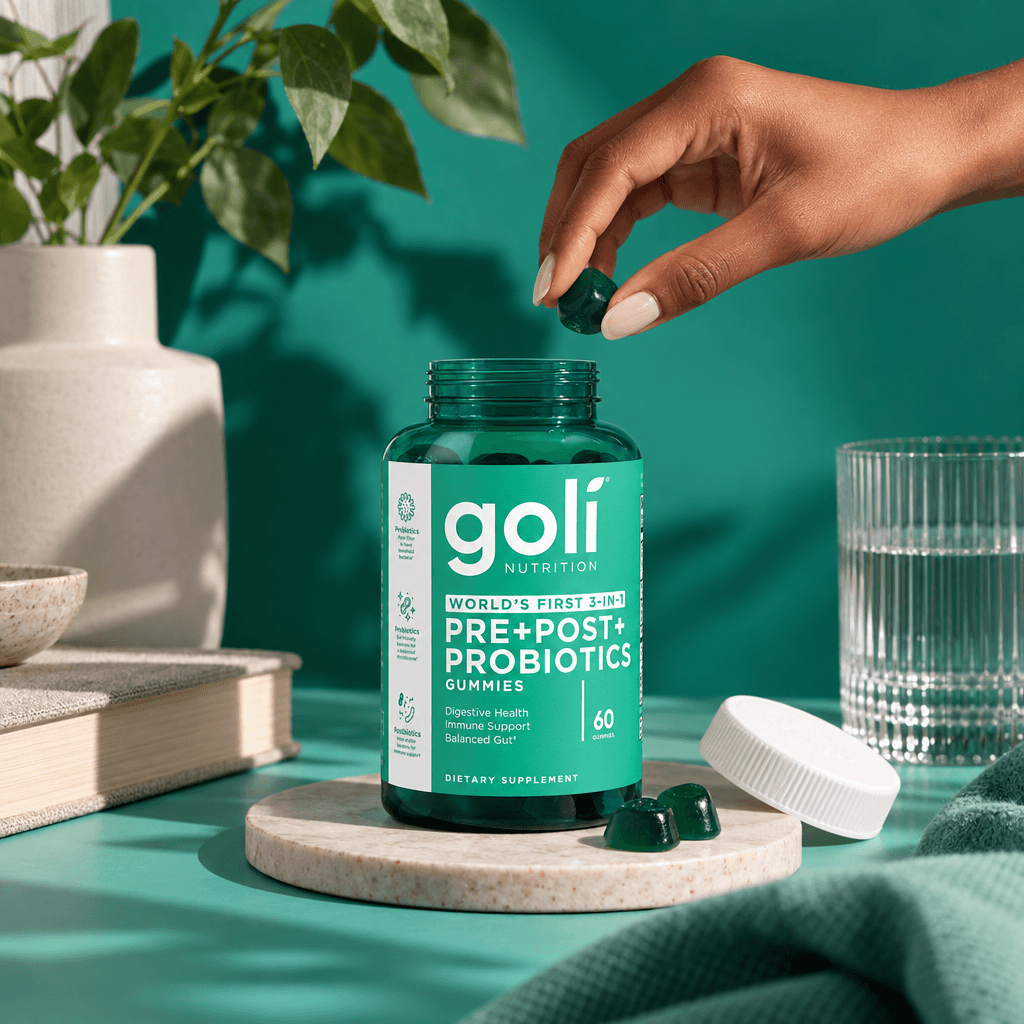
One category ignores the trait test entirely. Supplements, ingestibles, and anything with a regulated claim printed on it stay captured no matter how matte and simple the container looks. A fidelity miss there does not arrive as a return. It arrives as a compliance conversation.
Brief the light direction before anything generates. That is the tell separating a coherent set from a collage. If image two shows a window on the left and image five shows it on the right, buyers will not name the problem, they will just trust the page a little less.
This is why we split the pipeline the way we do at Virtual Photography. The hero shot goes through capture and retouch, where the product pixels stay exactly as they were taken. Everything surrounding the product is generated. The batch price applies to the flexible positions, and the one image that can take a listing down never enters the generator.
What a $500 Studio Day Buys That a $9 Render Can't
Set the two against each other honestly and the gaps land in specific rows, not in one general quality score.
| What you are comparing | Studio session | Generated batch |
|---|---|---|
| Cost per usable image | $500 or more per session, props and talent included | $5 to $15 per lifestyle variant |
| Time to first draft | Days, often weeks once the calendar fills | Hours, once source photos exist |
| Product accuracy | High. Light hits the actual object | 25 to 29 percent pass rate on accuracy checks |
| Background range | Limited to what you build or rent | Effectively unlimited, same product pixels |
| Where it belongs | Main image, scale shots, regulated goods | Positions two through seven, variant backgrounds |
| How it fails | Budget and calendar drag | Silent inaccuracy that reaches the customer |
That last row decides most projects, and nobody budgets for it. A studio day that fails announces itself on a calendar. A generated frame that fails stays invisible until a shopper holds the image next to what arrived in the box.
The Policy Line Nobody Puts in the Deck
Marketplace rules say nothing about how an image was produced. They say plenty about what the image claims. Amazon requires that imagery not mislead customers about a product's appearance, features or condition, and the main image has to represent the physical product accurately. Swap the word tool for the word image and the sentence reads the same, which is the entire point.
Amazon's main image rules run short and are worth reading in full before a batch leaves the building.
Every AI image in your catalog is a bet that no customer will look closely at the one detail you did not check. The main image is the only position where losing that bet costs you the listing instead of a re-shoot.
Enforcement lands on the listing, not on the file. A high-velocity ASIN that goes down takes its reviews, its rank and its ad history with it, and getting it back takes longer than the shoot would have. When we review a client catalog, that asymmetry is the first thing on the page: which products can absorb a fidelity miss, and which ones cannot afford one at all.
Frequently Asked Questions
Can AI product photography replace a full catalog shoot?
No, and the popular 80/20 split hides the reason. That framing suggests you shoot 20 percent of products and generate the rest, but the split runs by image position, not by SKU. Most catalogs end up with a captured main image and generated lifestyle sets for the same product.
How do I test whether a specific product is safe to generate?
Generate one image at full resolution and compare it against the real photograph at 100 percent zoom, never at thumbnail size. Check the silhouette, the finish, any printed type, and the way light sits on the surface. If any of those moved, the trait list applies.
Does Amazon allow AI-generated product imagery?
The requirement covers representation, not production method. If the image shows the physical product accurately, where the pixels came from is not the issue. If it misleads a buyer about appearance, features or condition, the image fails, however it was made.
How many images per listing should come from a generator?
Typically the middle of the set: lifestyle, in-use and styled shots. Keep the main image captured, keep the scale-reference shot captured, and treat any image a buyer uses to verify a claim as photographic work.
What does a mixed workflow cost?
Studio time starts around $500 per session, and generated lifestyle variants land between $5 and $15 per image. The savings come from shooting once and generating the surrounding scenes, not from skipping the capture step.
Should I build a whole set from a single prompt?
No. Generate per position with a fixed light direction and a fixed product reference, or the set reads as six unrelated images. Consistency is what makes a page feel like one product rather than one product and five lookalikes.
How to choose
- Run the trait test on your twenty highest-revenue ASINs. Opaque, matte, rigid and unprinted means the lifestyle positions can move to AI this quarter. Glass, mirror finish or a label-heavy face means the hero stays captured and only the surroundings get generated.
- Send one product and let a real batch answer the question. Pick the SKU you trust least. Our virtual-photography-ai-product-images production returns the hero shot captured and retouched from real pixels, with the lifestyle positions generated around it, so accuracy and cost get compared on your own catalog instead of a demo.
- Compare turnaround and revision counts before committing. The virtualphotography.ai breakdown walks through where each method breaks and what a mixed workflow looks like end to end, which beats rebuilding that comparison from scratch.
Bring us your next product.
Send one product shot, and we handle research, direction, production and delivery.